Worksheet guide
What is on the 1 times table worksheet
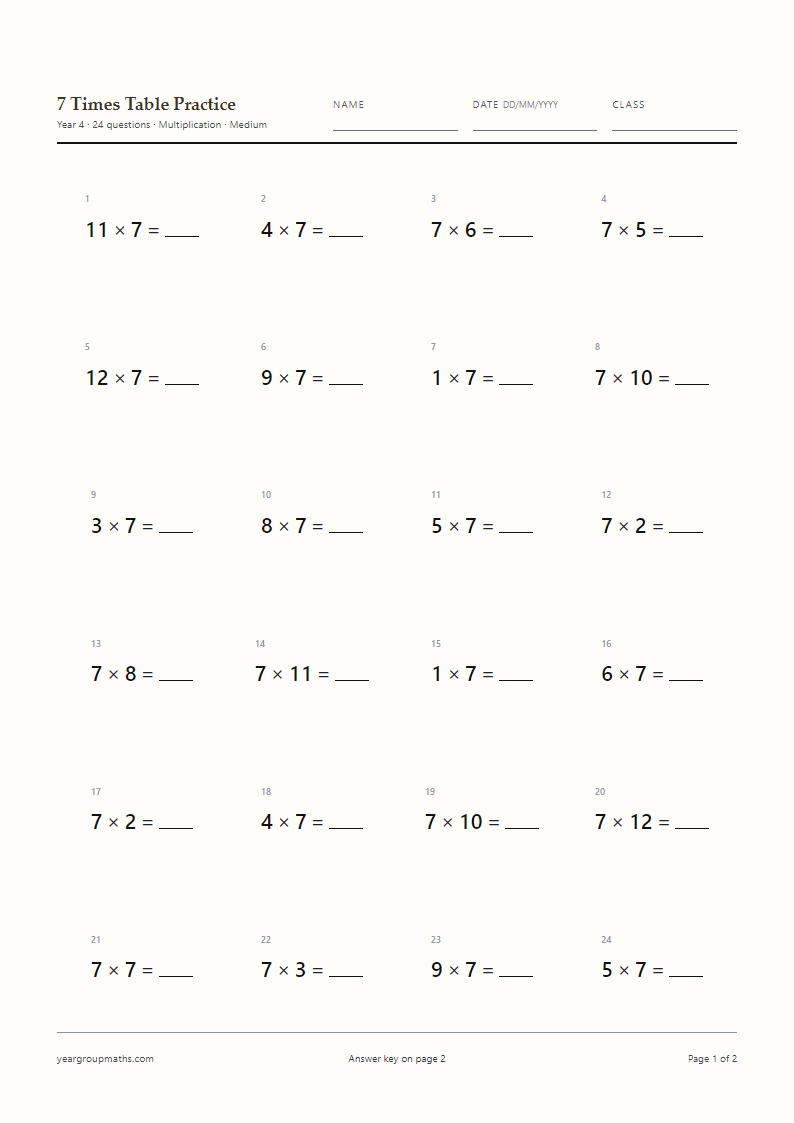
The sheet opens as twenty multiplication facts, set horizontally at 18 pt on A4, with a name, date and class line at the top. The 1× table is already selected, so the Generate A4 PDF button produces a fresh set without any other choices. Page 1 holds the questions; page 2 repeats the same twenty items in the same order with the answers filled in.
The other question types work on this table too. Division turns 1 × 7 into 7 ÷ 1, missing number hides a part of the fact as in 1 × _ = 9, and the layout can be switched to Column for a vertical version of the same facts.
Why the 1× table is worth a sheet of its own
One lot of anything is the same amount. That sounds too simple to teach, but it is the sentence that makes the rest of the tables make sense: if one lot of seven is seven, then two lots of seven must be more than seven, and ten lots must be a lot more. A child who is fluent with the 1× table has a starting point to compare every other table against.
It is also the table that shows what the × sign is doing. In 1 × 7 the first number counts the groups and the second counts what is in each group. Swap them and the answer stays the same, which is the first example of commutativity a class usually meets, and it is easier to see here than anywhere else.
How the 1× table links to the rest
Every other table contains the 1× facts as its first row: 3 × 1, 4 × 1, up to 12 × 1. A child who hesitates on those while working through the 3× table is not stuck on threes, they are stuck on ones, and this sheet fixes that in a few minutes.
The same is true backwards. In division, a question such as 8 ÷ 8 = 1 is a 1× fact wearing different clothes. Asking for the missing number in 1 × _ = 12 gives a division question without the division sign, which is why the three question types sit on the same page.
How to use it
How to use this generator
- Leave Tables to practise on 1×, or tick 1× yourself.
- Choose Multiplication for straight facts, Division for 9 ÷ 1, or Missing number for 1 × _ = 9.
- Set Questions per page to 20 for a starter, or 24 and 30 for a fuller lesson.
- Press Generate A4 PDF, then choose Save as PDF at 100% scale.
- Hand out page 1 and keep page 2 for marking.
FAQ
Frequently asked questions
Is the 1 times table worth practising on its own?
Yes, for two reasons: it gives a child a reliable first answer to compare other tables against, and it shows what the multiplication sign means before the answers get bigger.
Which year group is this sheet for?
The page opens on the Year 1 preset, which sets 18 pt type and twenty questions. The Year dropdown changes both if you want a longer or shorter sheet.
Can I print it without the answer key?
Set Answer key to Off and the PDF contains question pages only, with a footer note that the key is not included.
Does the sheet include division facts?
Switch Question type to Division and the same facts are reversed, for example 9 ÷ 1 = _. The answers stay whole numbers because dividing by one never leaves a remainder.
Why do some of the questions start with the blank?
The Missing number type can hide either side of the fact, so children meet _ × 1 = 6 as well as 1 × _ = 6. Varying the position stops them relying on where the answer usually sits.
Can I use this to introduce the 2 times table?
It is a good stepping stone. Once one lot of a number is secure, the 2× table is the next sheet: every answer is double the number, and there is a separate page for it.
More worksheets