Worksheet guide
What is on the 2 times table worksheet
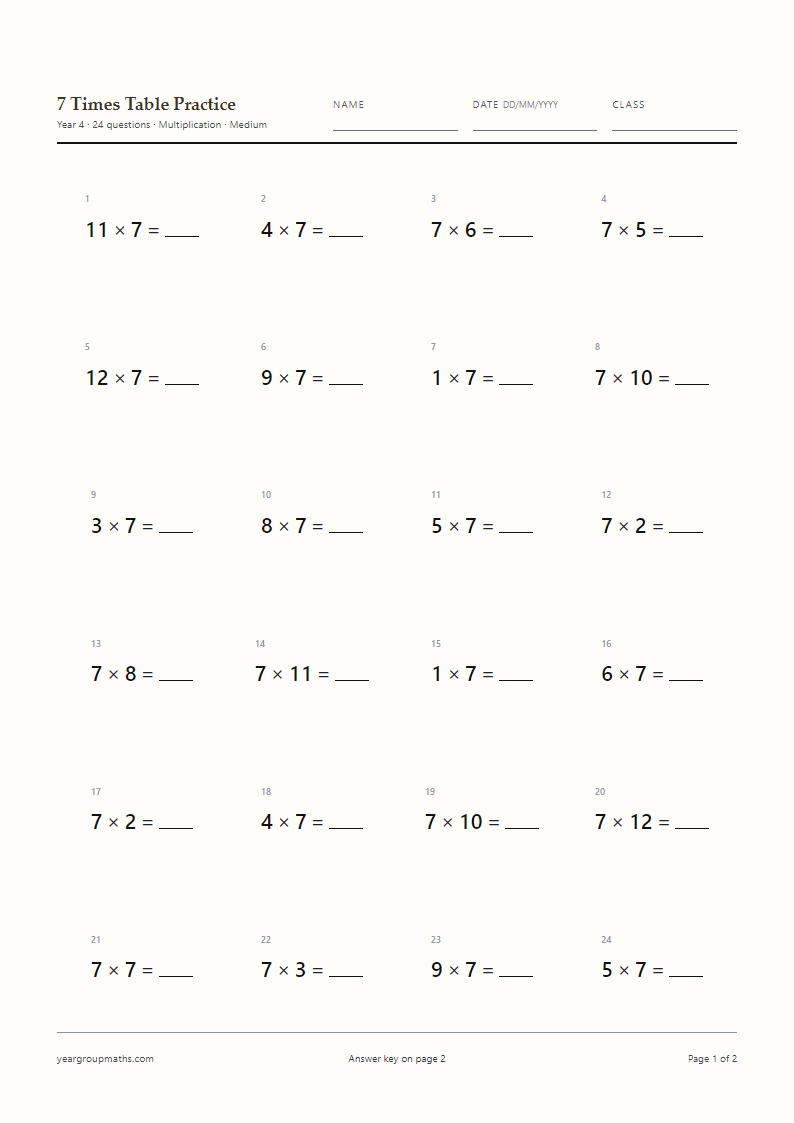
The sheet opens as twenty multiplication facts, set horizontally at 18 pt on A4, with a name, date and class line at the top. The 2× table is already ticked, so the Generate A4 PDF button produces a fresh set without any other choices. Page 1 holds the questions; page 2 repeats the same twenty items in the same order with the answers filled in.
Every setting stays adjustable. Switch Question type to Division and the same table appears as 18 ÷ 2; switch to Missing number and the blank moves, as in 2 × _ = 14. Question count, difficulty and type size are all one dropdown away.
Why the 2× table is the doubling table
Every answer in the 2× table is double the multiplier, so 2 × 7 is seven doubled. That makes it the first table most children can build themselves: two rows of counters, two fingers held up seven times, two 2p coins for each item. The products are all even and always end in 0, 2, 4, 6 or 8, which gives children a quick check when they are unsure.
Because doubling is also the first step towards the 4× and 8× tables, a secure 2× table pays off twice. If a child stalls on 2 × 9, ask them to double 9 in two steps: 9 + 9.
Using the same sheet across a class
One printable page can serve three groups. Children who are still building the table can use counters and say each fact aloud as they write it. Children who know it can work against a two-minute timer and record their time at the top. Children who are ready for the inverse can switch the question type to Division and work the same facts backwards.
The answer key is a separate page, so you can hand out page 1 only, keep page 2 on the desk, or send both home. Nothing is uploaded and no account is needed.
How to use it
How to use this generator
- Leave Year on 2 and Tables to practise on 2×, or tick 2× yourself.
- Choose Multiplication for straight facts, Division for 18 ÷ 2, or Missing number for 2 × _ = 14.
- Set Questions per page to 20 for a quick starter, or 24 and 30 for a fuller lesson.
- Press Generate A4 PDF, then choose Save as PDF in the print dialog at 100% scale.
- Hand out page 1 and keep page 2 for marking.
FAQ
Frequently asked questions
Is this sheet suitable for Year 1?
The page opens on the Year 2 preset, but the Year dropdown changes the type size to 18 pt for Year 1 and lowers the multiplier range, so the facts stay small. Many Year 1 classes use it with counters or a number line alongside.
Can I print the questions without the answer key?
Yes. Set Answer key to Off and the PDF contains question pages only, with a footer note that the key is not included.
What does the Missing number question type do?
It keeps the answers whole but hides a different part of the fact. Children might see 2 × _ = 16, _ × 8 = 16 or 16 = 2 × _. Mixing the three forms stops them relying on the position of the answer.
Does the sheet include division facts for the 2× table?
Switch Question type to Division and the facts are reversed, for example 18 ÷ 2 = _. The divisor stays in the 2× table, so the sheet still practises the same family of facts.
Why are the answers printed in red?
The answer page uses a deep red, bold weight so it stands out on screen and still reads clearly when printed in greyscale. Nothing on either page depends on colour to make sense.
Can I use this for multiplication tables check practice?
The facts are the right kind of material, but the check itself mixes every table. The MTC practice page sets the whole 1–12 range in mixed order, which is closer to what the check asks for.
More worksheets