Worksheet guide
Every table, one page at a time
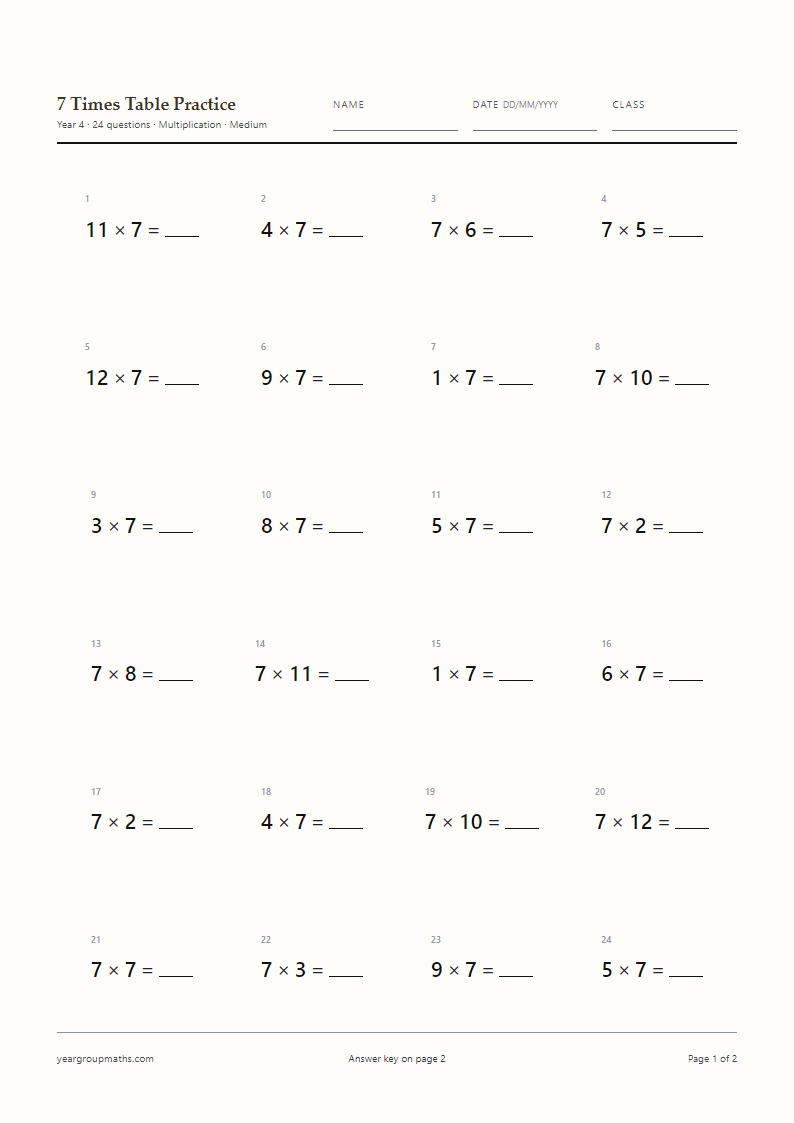
This hub collects twelve single-table worksheets, a mixed sheet and a speed sheet, each of which is already built as an A4 PDF with the answers on page 2. If you want a different number of questions, a different difficulty or a different question type, the generator at the top of the page builds a fresh sheet in the browser and opens the print dialog.
Nothing is stored and nothing is uploaded. The questions are made on your device each time you press the button, which is why a second press gives a different sheet with the same settings.
Single table or mixed practice?
Use a single-table sheet when a table is being introduced or repaired: the questions are all from one family, so the child can build a pattern and get a run of successes. Use a mixed sheet once several tables are known, because the real skill is choosing the right fact, not reciting one table in order.
The Mixed and All settings do different jobs. Mixed draws at random from the tables you have ticked, which gives an uneven but realistic spread. All gives each ticked table the same number of questions, which is better for a fair weekly check across, say, the 6×, 7× and 8× tables.
Question counts, type sizes and years
The Year dropdown sets the type size: 18 pt for Years 1 and 2, 16 pt for Years 3 and 4, 14 pt for Years 5 and 6. Vertical layouts go one step larger so the digits stay clear in a column. Every sheet is A4, and the page size never changes.
Marking from page 2
The answer page repeats the question grid exactly: same columns, same type size, same order. Answers are printed in a deep red bold that still reads clearly when a mono printer turns it grey, so a class set can be marked in a few minutes without a calculator or a screen.
If you are sending a sheet home, print both pages and tell the adult that page 2 is the key. If the sheet is going to a child who might turn the page, set Answer key to Off and only the questions will print.
How to use it
How to use this generator
- Pick a year to set the type size and default question count.
- Choose Mixed for a random spread, All for even coverage, or tick individual tables.
- Set the question type: multiplication, division or a missing number.
- Press Generate A4 PDF and save the file from the print dialog.
- Mark from page 2, or print page 1 alone for the class.
FAQ
Frequently asked questions
Which times tables should my child know?
Schools sequence the tables differently. The multiplication tables check covers facts up to 12 × 12, so most classes work through all twelve tables before the end of Year 4.
What is the difference between Mixed and All?
Mixed picks facts at random from the tables you have ticked. All gives each ticked table the same number of questions, so a mixed sheet stays balanced.
Can I print a sheet with only the tables we are learning this week?
Yes. Tick those tables in Tables to practise and leave Mixed on. The generator will draw only from the tables you selected.
Why are the questions in a random order?
Because reciting a table in order hides whether a child knows the facts. A shuffled sheet tests retrieval, which is what timed checks and everyday maths require.
How many questions should a times tables sheet have?
Twenty suits a two-minute starter, twenty-four a lesson task, thirty a weekly check. Longer sheets print over more than one page.
Can I print the same sheet for a whole class?
Yes. The PDF is a normal file, so you can print as many copies as you need. There is no download limit and no account.
Is there a version for the multiplication tables check?
The MTC practice page builds mixed 1–12 sheets in the same format, and the speed sheet on this page is a useful warm-up for it.
More worksheets