Worksheet guide
What is on the 10 times table worksheet
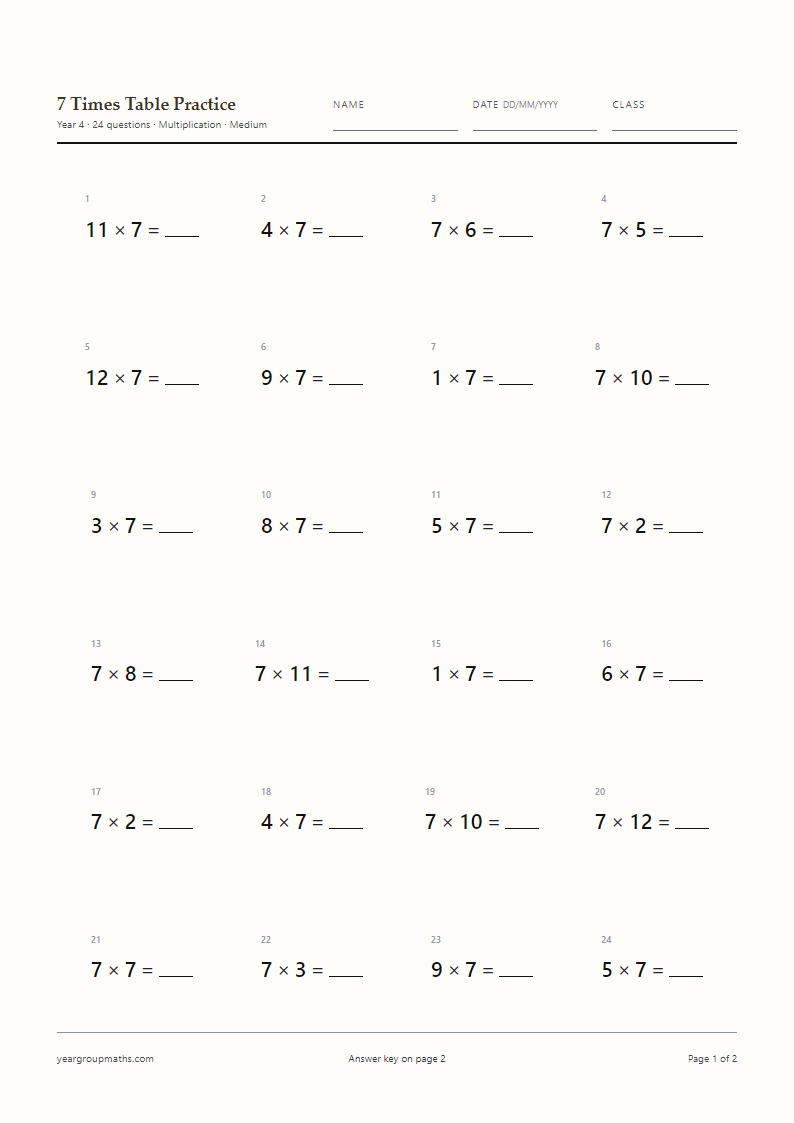
Twenty 10× facts in shuffled order, 18 pt on A4, with 10× preselected and the answer key on page 2. Products run from 10 to 120 on the Hard setting, which is where the pattern becomes interesting rather than automatic.
The sheet is deliberately short. Once a child has understood that multiplying by ten shifts the digits one place, the table needs almost no practice; what needs practice is spotting when a question is not a 10× fact at all.
The zero that moves
It is tempting to teach 10× as “add a zero”, but that rule breaks as soon as decimals arrive: 10 × 0.6 is 6, not 0.6. The safer explanation is that every digit moves one place to the left, so 10 × 47 becomes 470 with a zero holding the ones place open.
This matters for the sheet because children who have only learned the rule will write 10 × 12 = 120 without thinking, which is correct, but will also write 10 × 0 = 10, which is not. A quick conversation before the sheet is worth more than the marking afterwards.
Bridging to other tables
The 10× table is the anchor for the 5×, 9× and 11× tables: half of 10× gives 5×, 10× minus 1× gives 9×, and 10× plus 1× gives 11×. That makes this sheet a good companion to those pages rather than a standalone exercise.
A useful follow-up is to print a 10× sheet and a 5× sheet and ask children to match pairs that give the same product, for example 10 × 3 and 5 × 6. Both sheets use the same layout, so the answers line up on the page.
Where the 10× table turns up
Ten is everywhere in measures: ten millimetres in a centimetre, ten centimetres in a decimetre, a hundred centimetres in a metre. Money is the same idea in a different unit, and doubling a ten-pound note is a 10× fact with a pound sign on it. A child who can move between the table and the measure has a reason to remember the pattern, which is worth more than a rule about zeros.
How to use it
How to use this generator
- Keep 10× ticked alone for a short fluency sheet.
- Use Hard to include 10 × 11 and 10 × 12.
- Try Missing number for 10 × _ = 90 style questions.
- Generate, print, and keep page 2 for marking.
FAQ
Frequently asked questions
Is it “add a zero” or “move the digits”?
Moving the digits one place to the left is the accurate explanation, and it still works when decimals are introduced later. “Add a zero” is a shortcut that stops being true once the numbers are not whole.
What is 10 × 0?
Zero. The generator starts multipliers at 1, so zero facts do not appear on the sheet unless you introduce them separately.
How does the 10× table help with the 9× and 11× tables?
9× is 10× minus 1×, and 11× is 10× plus 1×. Children who know the 10× table have both tables within one step.
Can I print 10× alongside 2× and 5×?
Yes, tick all three and choose Mixed. That combination is a common first mixed sheet because all three tables have strong visual patterns.
Does the sheet use pence and pounds?
No, it is pure calculation. Money contexts would need a different layout and are outside what this site builds.
Can I change the title on the sheet?
The title is set by the page you are on. For a custom title, use the ready-made PDFs or set up a sheet from the MTC practice page, which uses a different heading.
More worksheets